
Original node
Download
The original download page address, kept for continuity with the old site.
The VMSbase package is listed and available at CRAN. Installation through CRAN is strongly encouraged, because local installation from binaries requires manual installation of dependencies.
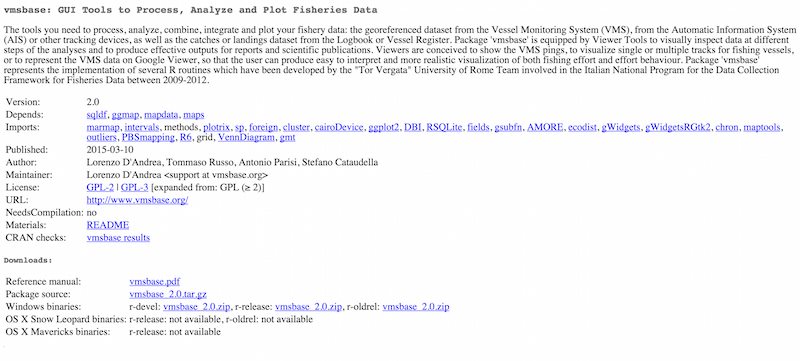
Install from CRAN
Use the official package page to check the current release and its dependency list.
Open the VMSbase CRAN pageInstall in three steps
- Install the package. Open R and run the installation command.
- Load the library. Load VMSbase in the same R session.
- Launch the interface. Start the main graphical interface.
> install.packages("vmsbase")
> library(vmsbase)
> gui_main()
What happens next
The main interface opens with panels for VMS data management, logbook data management, VMS and logbook analysis, data output, and the project workspace. Select the VMS database, logbook database, land shape, harbours shape, and bathymetry files to begin a project.
The documentation page lists the dependencies and the fixes for common installation issues. The resources page provides the land, harbour, and sea partitioning files used by some analyses.

R is required
VMSbase runs in R and combines the language with a graphical interface. If R is not installed, start with the R Project.
Visit the R ProjectNote on binaries. A local installation from binaries requires manual installation of dependencies. The CRAN route is the recommended path for most users. The wider CRAN repository lists the current release and the supporting packages.