
Original node
Documentations
The original documentation page address, kept for continuity with the old site.
This page collects the user guide and hints for the most common inconveniences that can occur while installing the package and its dependencies.
Both the guide and these notes were still under development when the original page was published, and a vignette was planned. The guide below remains the practical starting point, while the paper is the main reference for the package.

The project paper
The main reference for VMSbase has been published in PLoS One. Read the paper for the methods and the design of the package.
Read the paper on PLoS OneUser guide
The standard R user guide for the package is available as a PDF. It covers the main interface and the steps behind a typical analysis.
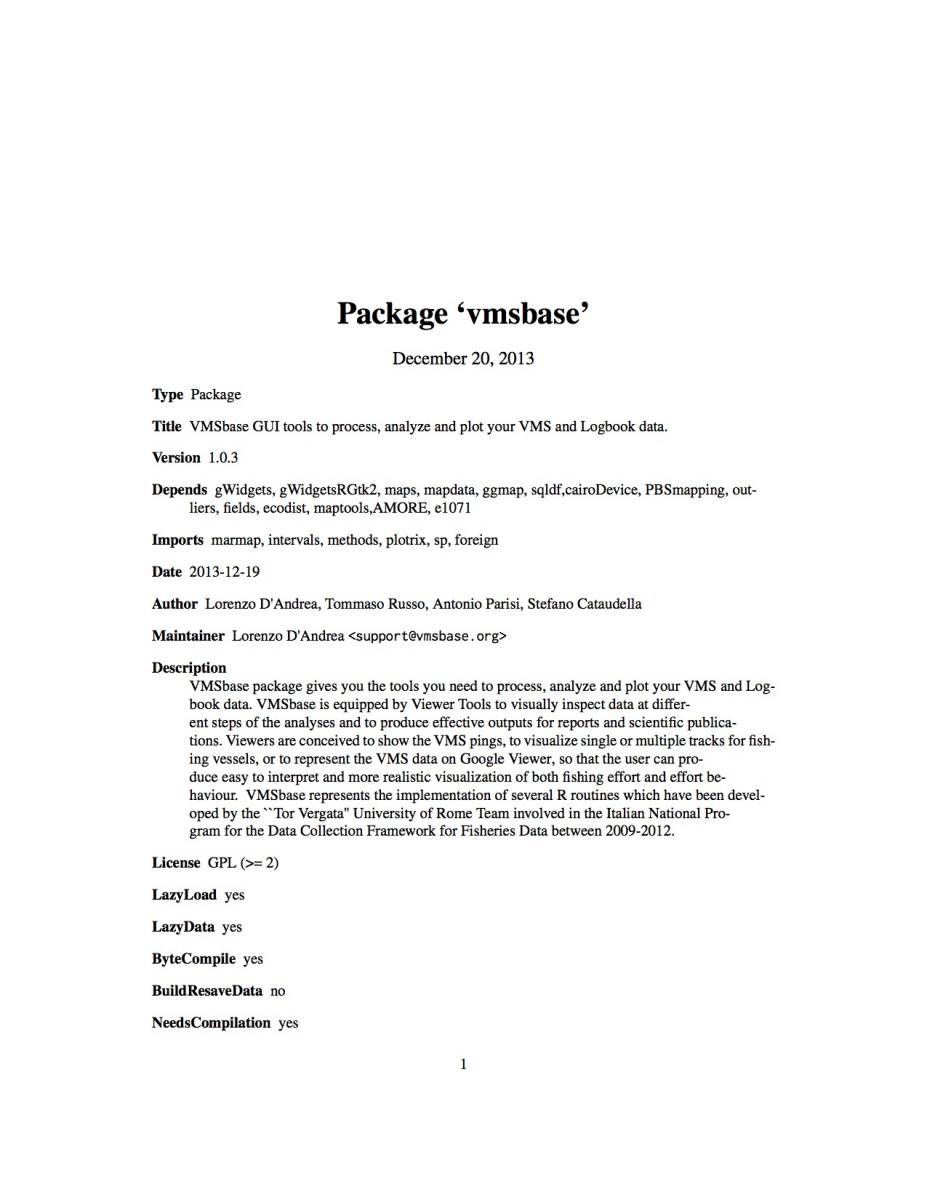
VMSbase user guide
Open or download the guide, then follow the installation notes on the download page.
Open the user guideDependencies
VMSbase is built on R and a set of add on packages. The complete list on the original page comprises:
| Package | Scope |
|---|---|
| AMORE | A MORE flexible neural network package |
| CairoDevice | Cairo based cross platform antialiased graphics device driver |
| chron | Chronological objects which can handle dates and times |
| cluster | Cluster Analysis Extended Rousseeuw et al |
| e1071 | Misc functions of the Department of Statistics, TU Wien |
| Ecodist | Dissimilarity based functions for ecological analysis |
| Fields | Tools for spatial data |
| foreign | Read data stored by Minitab, S, SAS, SPSS, Stata, Systat, Weka, dBase, and other formats |
| ggmap | A package for spatial visualization with Google Maps and OpenStreetMap |
| Gwidgets | gWidgets API for building toolkit independent, interactive GUIs |
| GWidgetsRGtk | Toolkit implementation of gWidgets for RGtk2 |
| intervals | Weighted Logrank tests and NPMLE for interval censored data |
| mapdata | Extra map databases |
| maps | Draw geographical maps |
| maptools | Tools for reading and handling spatial objects |
| marmap | Import, plot, and analyze bathymetric and topographic data |
| outliers | Tests for outliers |
| PBSmapping | Mapping fisheries data and spatial analysis tools |
| plotrix | Various plotting functions |
| sp | Classes and methods for spatial data |
| sqldf | Perform SQL selects on R data frames |
The add on packages are available from the VMSbase CRAN page and the wider R Project.
Troubleshoots
VMSbase has several dependencies. Although the package is self installing, users can experience occasional setbacks. Most of these are easy to fix. The notes below summarize the common cases from the original page.
Issue 1: Curl library missing on Ubuntu
After running the installation for devtools, some systems report that the Curl library cannot be found, followed by errors for httr and devtools.
Use APT to install the curl development library and the XML development library, then retry the installation in R. This restores the libraries that the R packages need to build.
Issue 2: GTK library missing
The GTK library is usually installed by the operating system and is necessary for the package and all of its features. Some users need to install it manually.
On Windows, install and load the gwidgets package, then run gwindow() in the R console. A dialog will offer to download and install the GTK libraries.
On Ubuntu, use APT to install the GTK development libraries, then restart R.
Issue 3: netcdf library missing
This problem can occur while installing the marmap package, when the ncdf dependency is not available.
Open Ubuntu Software Center or Synaptic Package Manager, search for libnetcdf, netcdf, and the netcdf binary package, mark them and their dependencies for installation, apply the changes, restart R, and install the ncdf and marmap packages.
Issue 4: Windows 64 bit installation
Some users with Windows 64 bit have difficulty installing VMSbase even when the package version is appropriate for that system.
Install a 32 bit version of R and retry the installation.
Need more help? Write to the support address on the support and contacts page, or read the installation steps.